Academic & Degree Plan
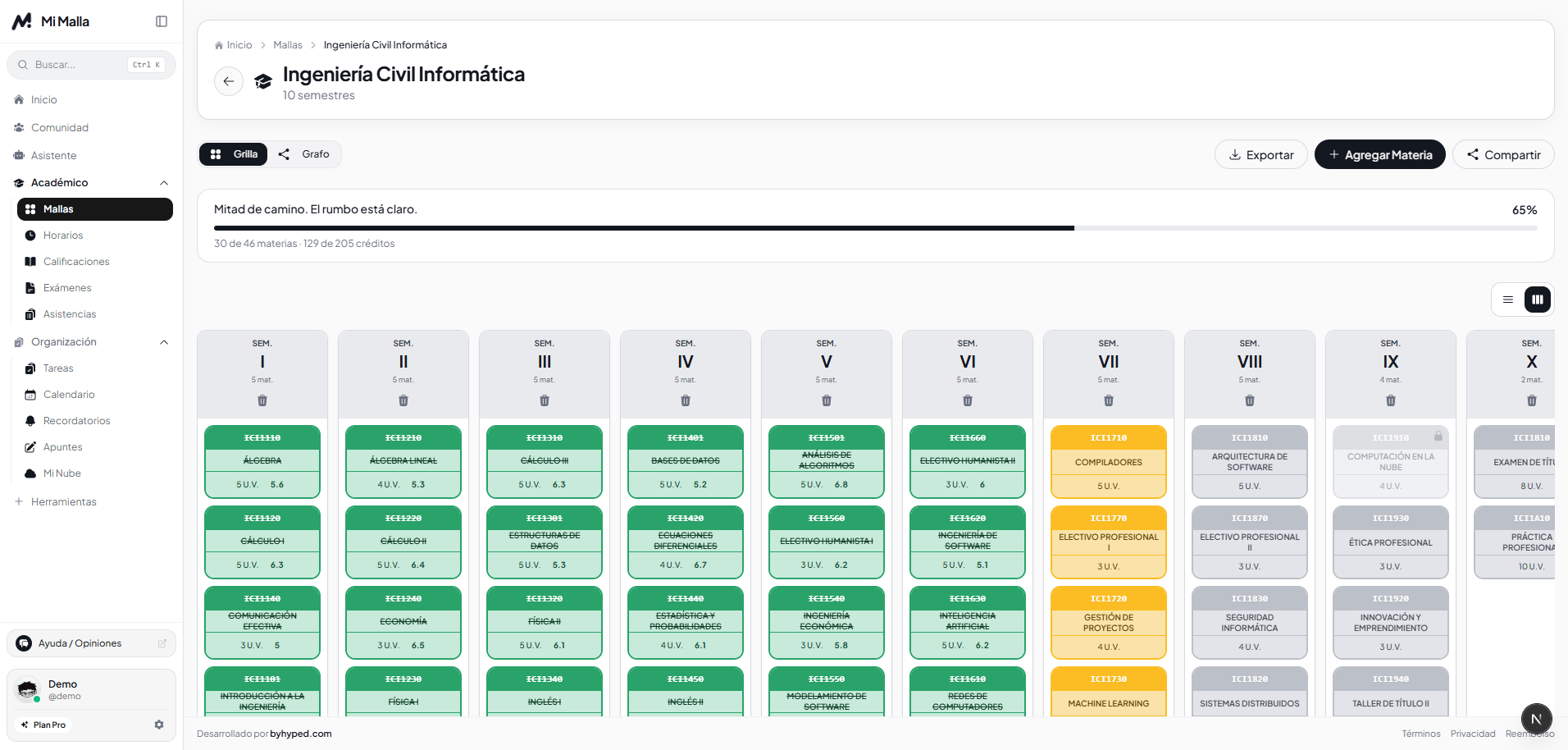
Automatic Study Plan Import
Upload a PDF or image of your degree syllabus. Semesters, course codes, credits and courses are extracted in seconds.
Academic platform · Free for students
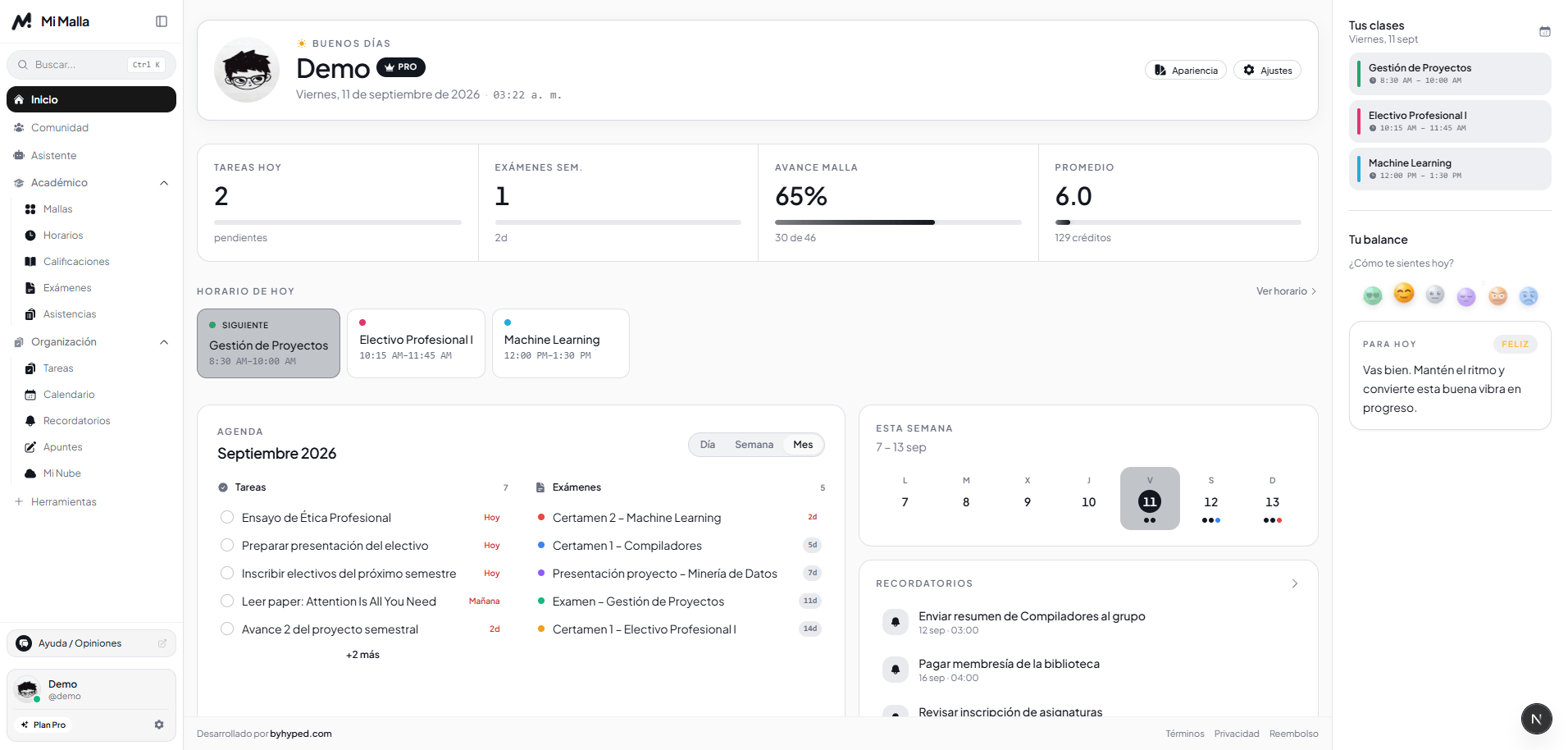
Manage your university studies for free in one place: upload a PDF or image of your degree plan and get an interactive study planner for your courses. Organize tasks, exams, schedules and grades, and keep your degree organized.
Join thousands of students already using Mi Malla
100%
Free for students
12+
Study tools
0 ads
Thanks to supporters
Students from the best universities
 Universidad Nacional Autónoma de México
 Universidad de los Andes
 Universidad de Buenos Aires
 Universidad de Chile
 Pontificia Universidad Católica del Perú
 Universidad Complutense de Madrid
 Escuela Politécnica Nacional
 Universidad de Costa Rica
 Pontificia Universidad Católica Madre y Maestra
 Universidad de la República
 Universidad Nacional de Asunción
 Universidad de San Carlos de Guatemala
 Universidad Mayor de San Andrés
 Harvard University
 University of TorontoStanford UniversityMcGill UniversityMassachusetts Institute of TechnologyUniversity of British ColumbiaUniversity of California, Berkeley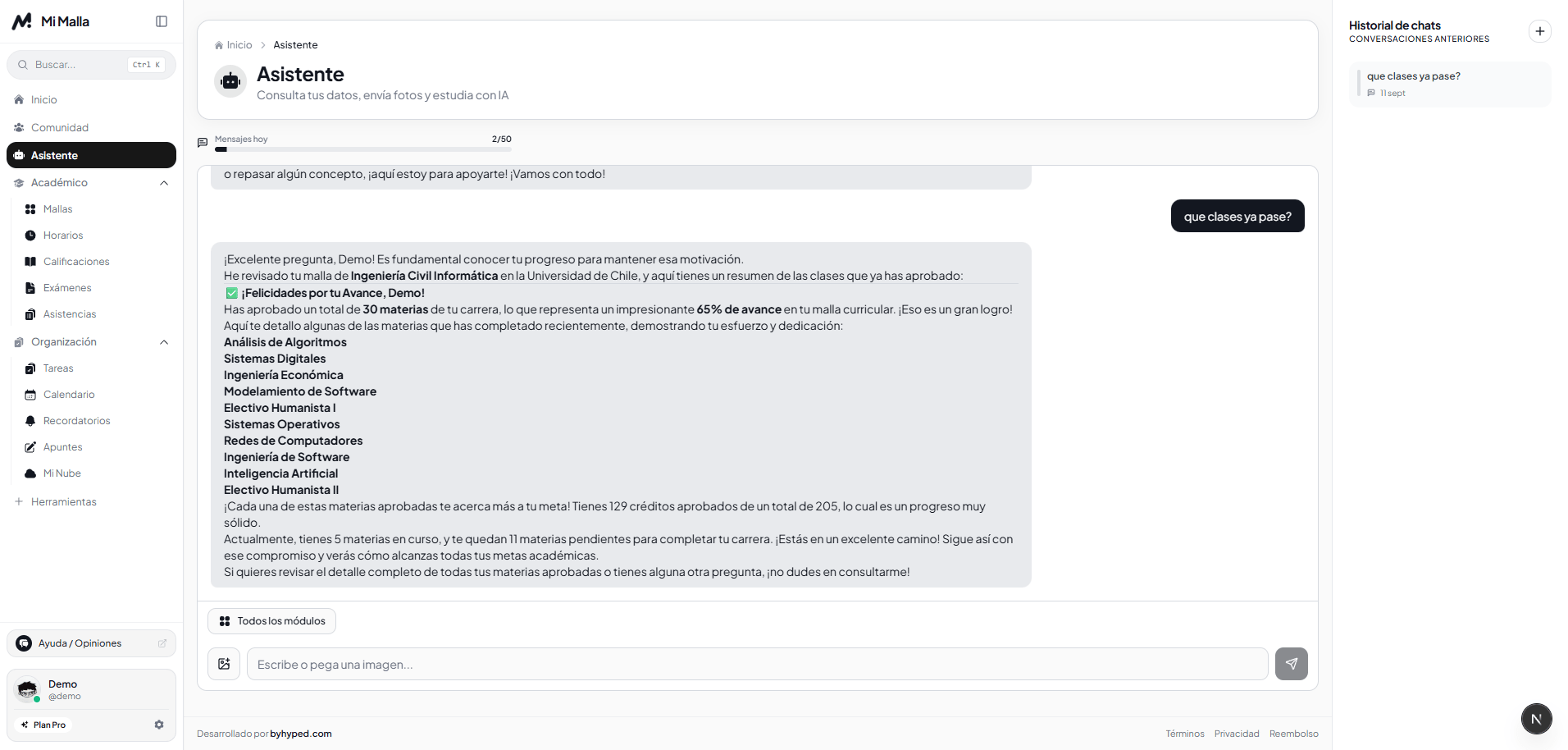
Complete features
The all-in-one platform for students: study plan, schedules, grades, exams, tasks and much more, all in one place.
Upload a PDF or image of your degree syllabus. Semesters, course codes, credits and courses are extracted in seconds.
View your entire degree by semesters with drag & drop, real-time progress calculation, and an interactive graph of dependencies.
Log assessments, midterm exams and simulate the exact score needed on your final exam to pass with your target GPA.
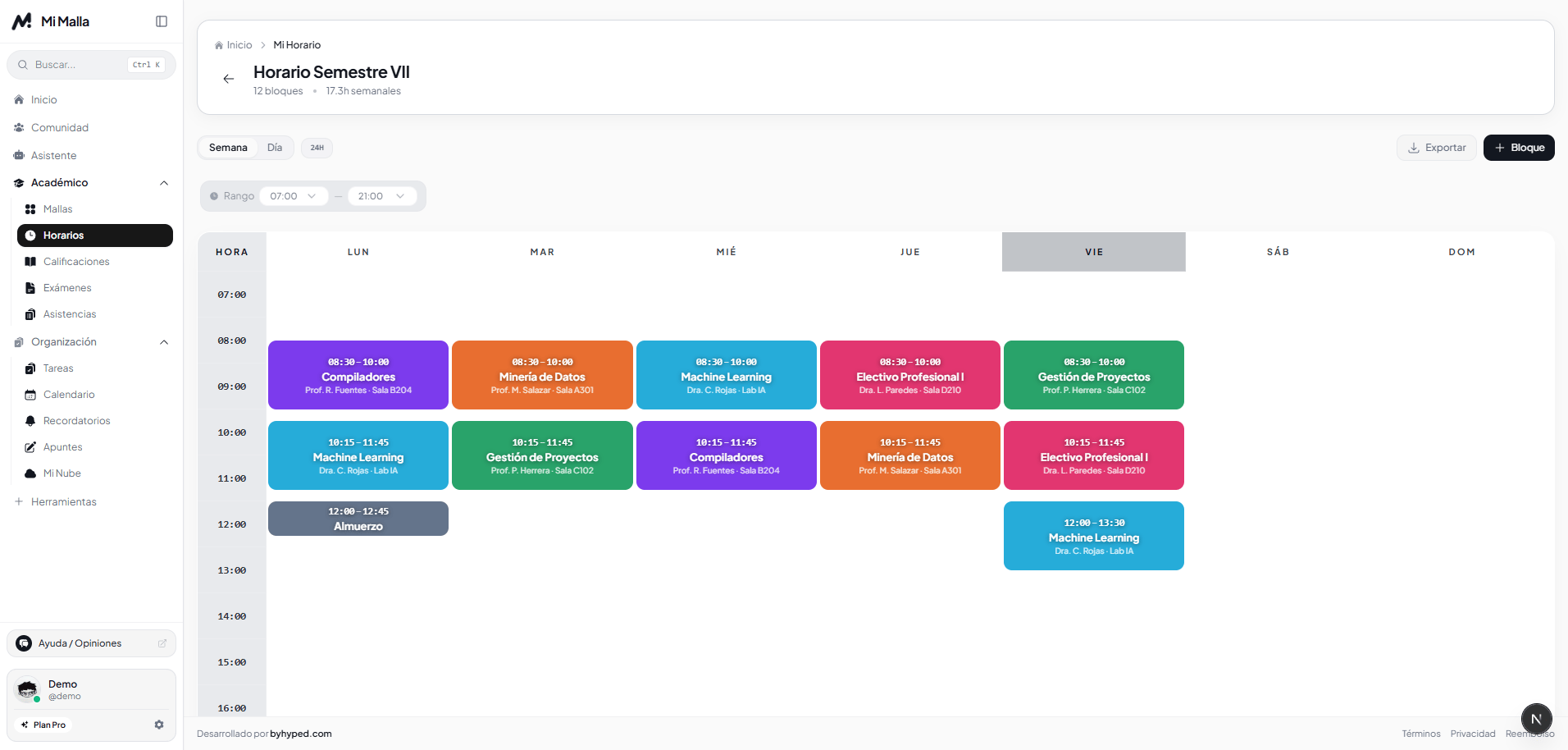
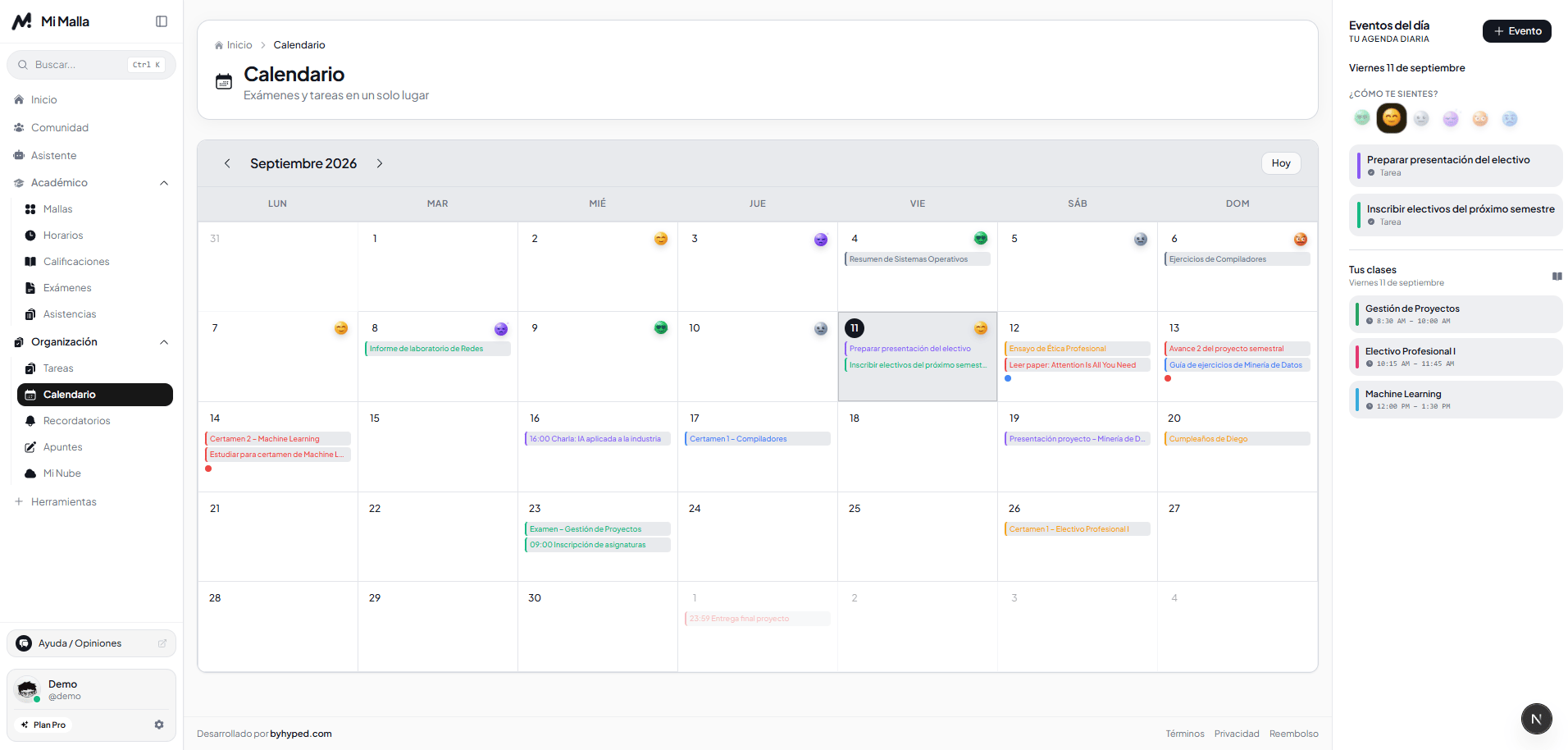
Organize your week with colored blocks, professors and rooms. Check your next class at a glance on mobile or desktop.
Plus so much more inside Mi Malla
How it works
Sign up for free with your email. No credit card, no commitments.
Upload a PDF or image of your study plan and your courses are extracted automatically.
Mark passed courses, view statistics and plan the semesters you have left.
Testimonials
Stories from students who organize their degree with Mi Malla.
I used to check the study plan PDF and count prerequisites by hand. With Mi Malla I can see my full progress in seconds, which saves me a lot of time during every enrollment period.
Thanks to the platform I realized I was about to enroll in a class without having passed its prerequisite. It saved me a serious problem with my academic coordinator.
I did not expect it to be this useful, but now I check it before every enrollment. It is clear, organized and does not overcomplicate things.
It lets me plan which classes I will take in upcoming terms well in advance, instead of deciding everything at the last minute like before.
It is simple and goes straight to what you need: knowing what you have taken and what is left. Nothing more required.
I shared it with several classmates and they are using it too. It is a tool that should be available from day one.
In the final semesters it is easy to lose track of the requirements you still need. Mi Malla made it clear what I had left to take.
It helped me confirm how many terms I had left to graduate, something I only knew approximately before.
I am only in my first semesters, but I already use it to understand how the whole degree is structured. It has helped me make better decisions early on.
It is much more practical than tracking everything in a spreadsheet, which is what I did before.
Before switching majors I used Mi Malla to see how many of my courses would be recognized. It helped me decide with real information, not just guesses.
I failed a class and was not sure how that affected my course order. On the platform I could immediately see which other classes depended on it.
I use Mi Malla alongside the enrollment system to avoid schedule conflicts with classes that also fulfill prerequisites. It keeps the process organized.
I work part-time and do not always have room to research a lot before enrolling. With Mi Malla I check quickly and decide without wasting time.
I transferred from another university and at first I did not understand how my completed courses would fit. The platform made it clear without several administrative rounds.
I like planning the semester ahead, and this gives me a full view of my degree that I used to have only in fragments.
In the final stretch of my degree it is easy to lose track of small details. Mi Malla confirmed everything was in order before my last term.
Plans and pricing
All the essential tools are free forever. If you want unlimited capacity, support the project with Pro.
Forever, no card required
Essential tools to organize your university semester.
Included benefits:
$19.99 USD billed yearly
Generous limits for the whole semester plus smart tools, with no ads.
Included benefits:
$21.00 USD billed yearly
No limits: everything in Pro, 10 GB, 2,000 Mimo messages and priority support.
Included benefits:
No ads, no data selling, cancel in one click.
Frequently asked questions
A study plan (also called degree map or curriculum) is the complete map of the courses you must pass to graduate. Mi Malla lets you visualize it interactively, track your progress, see prerequisites and plan your remaining semesters — all in one place.
Mi Malla is 100% free and unlimited for all students. It has no ads. If you want to help us keep it that way, you can support the project with a voluntary plan from $1.67 USD/month (billed annually) — but it's not required to use any feature.
The fastest way is to upload a PDF or image of your study plan: your courses are extracted automatically. You can also create them manually or use a pre-designed template for your degree.
You upload a PDF or image of your university degree plan and Mi Malla identifies semesters, courses, codes and credits to build your study plan ready to edit. Then you can adjust whatever you need.
Yes. Mi Malla works for any university in Latin America and Spain, regardless of the degree. You can fully customize your study plan with the courses, semesters and credits of your specific academic program.
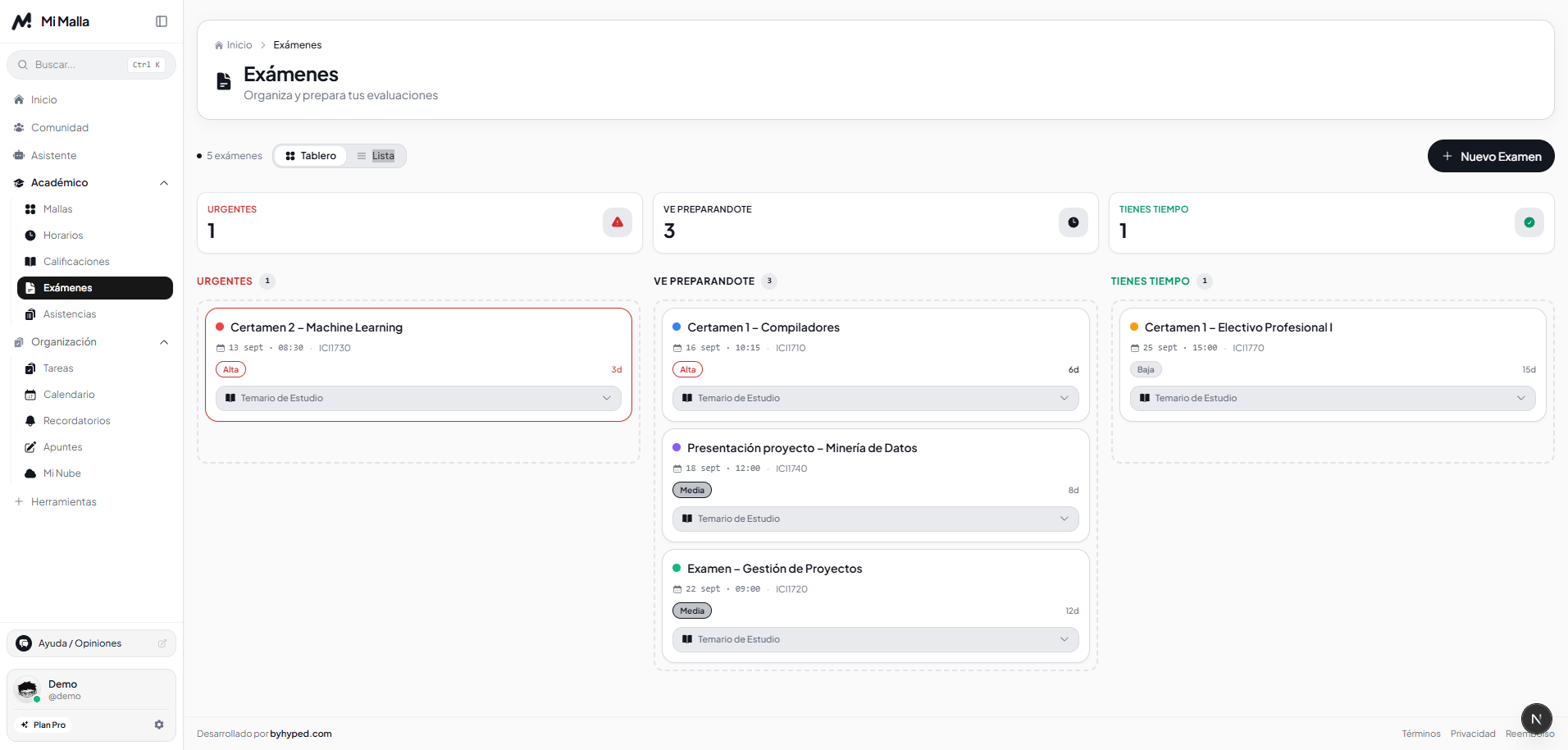
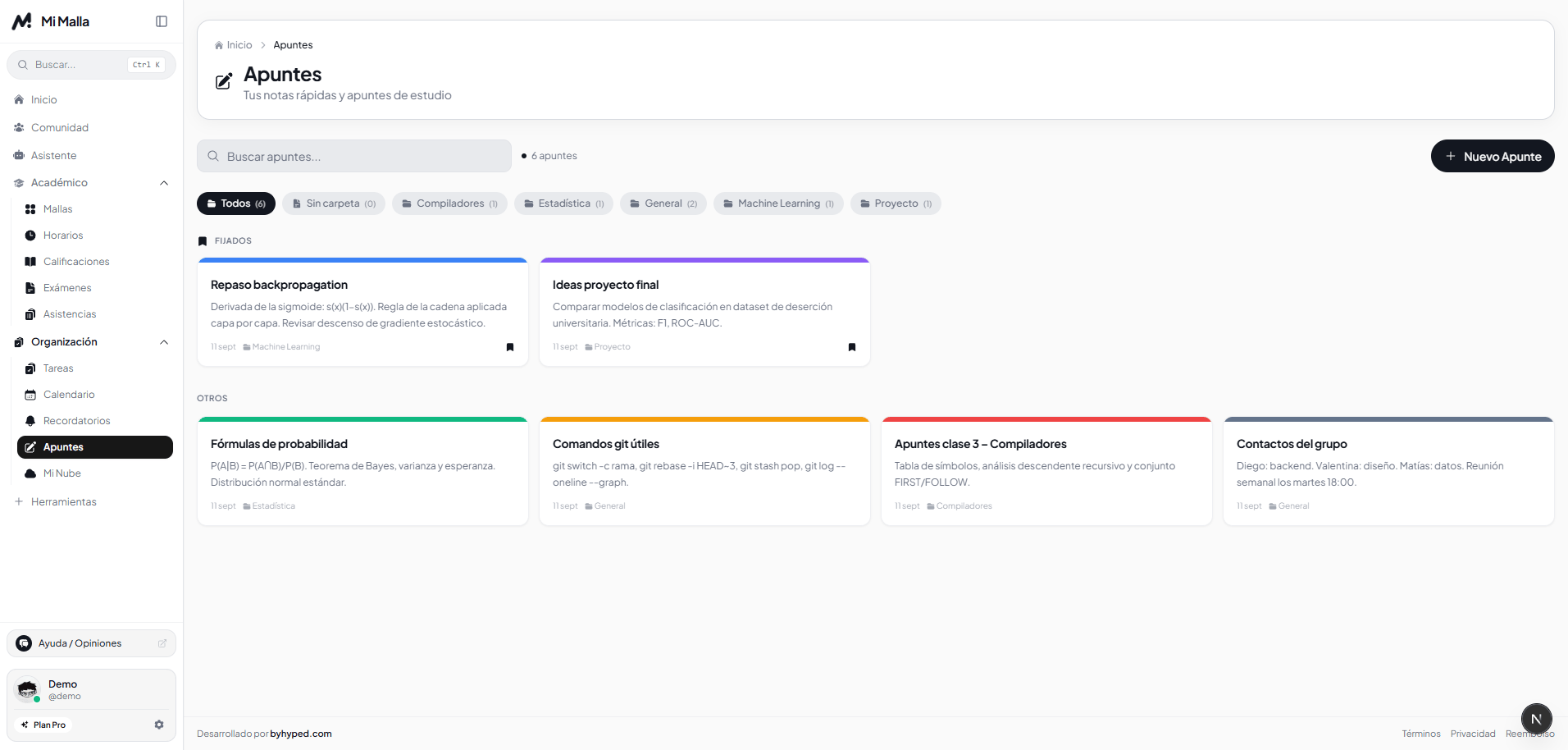
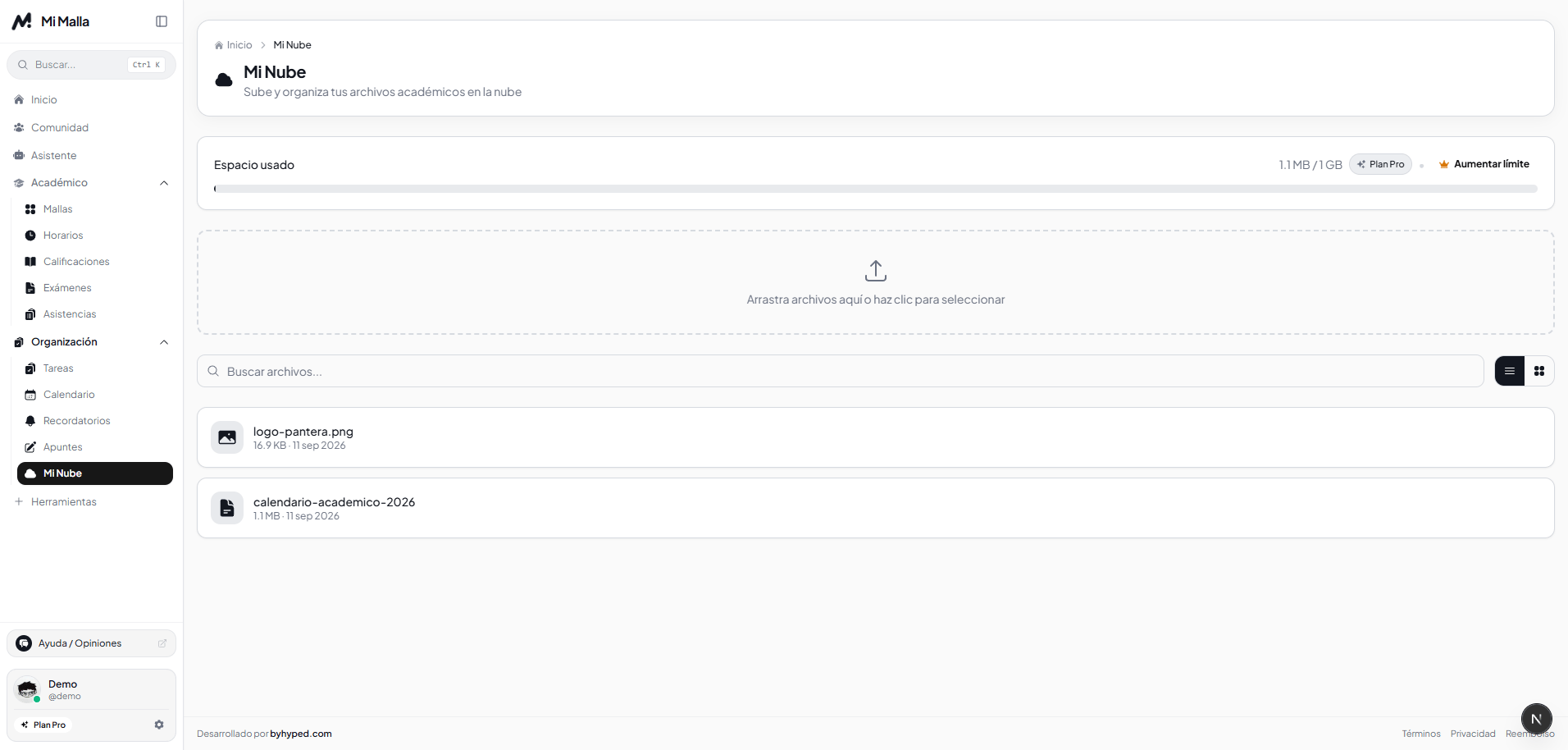
Mi Malla includes more than 12 tools: task management with priorities, exam tracking, weekly schedule, academic calendar, Pomodoro timer, notes, grade calculator, reminders and mood tracking.
Yes, Mi Malla is a responsive web app that works on computer, tablet or phone. You only need a web browser and an internet connection.
We use data encryption and secure authentication. Your academic information is private and never shared with third parties. You can check our privacy policy for more details.
Free, unlimited and ad-free. Built for university students.